10 Signs Your Business Has Outgrown Excel (And It's Time to Upgrade)
Introduction
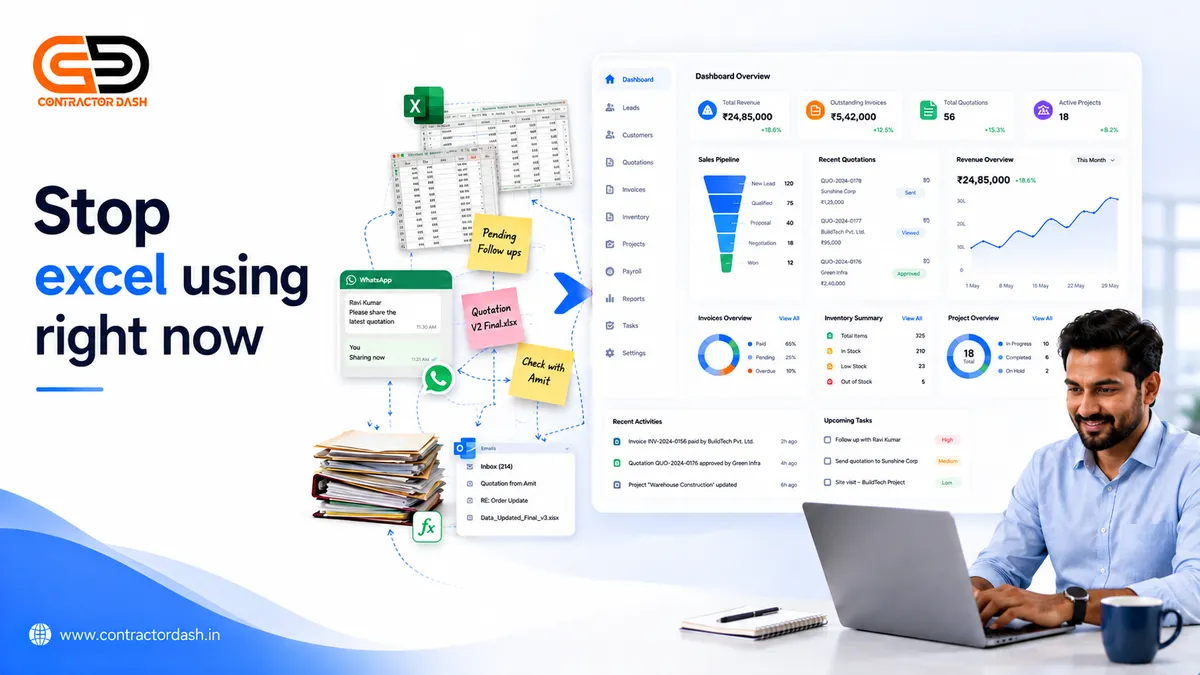
Excel has helped millions of businesses get started. It's flexible, familiar, and inexpensive, making it the first choice for managing customer lists, quotations, inventory, expenses, and reports.
But as your business grows, the same spreadsheets that once saved time can begin slowing your team down.
Multiple versions of files, manual calculations, duplicate data entry, and scattered information become everyday problems. Team members spend more time updating spreadsheets than serving customers or growing the business.
The issue isn't that Excel is a bad tool—it's that it wasn't designed to run an entire business.
If your business is growing, these warning signs may indicate it's time to move from spreadsheets to an integrated business management platform.
1. Your Team Uses Multiple Excel Files
One spreadsheet for customers.
Another for quotations.
Another for inventory.
Another for attendance.
Another for payroll.
Soon, nobody knows which file contains the latest information.
This creates confusion, duplicate work, and mistakes.
2. Customer Information Is Scattered Everywhere
Some customer details are stored in Excel.
Others are in WhatsApp chats.
Some are in email.
Some are written in notebooks.
Without a centralized customer database, following up becomes difficult and valuable information gets lost.
3. You Miss Customer Follow-Ups
Have you ever remembered a customer only after they bought from someone else?
Without reminders and a structured follow-up process, leads can easily slip through the cracks.
A missed follow-up often means a missed sale.
4. Creating Quotations Takes Too Long
Every new quotation requires copying an old file, updating prices, recalculating totals, and checking GST manually.
As enquiries increase, this repetitive work reduces productivity and delays customer responses.
5. Your Inventory Doesn't Match Reality
Your spreadsheet says you have stock.
Your warehouse says otherwise.
Manual inventory updates often lead to stock mismatches, delayed deliveries, and unhappy customers.
6. Reports Take Hours to Prepare
Need to know:
- Monthly sales?
- Outstanding payments?
- Best-selling products?
- Project profitability?
If you're collecting information from multiple spreadsheets before creating reports, you've probably outgrown Excel.
Modern business software provides dashboards with real-time insights.
7. Too Many Manual Calculations
GST.
Discounts.
Profit margins.
Payroll.
Project costing.
Every manual calculation increases the risk of errors.
Even a small mistake can affect profitability or customer trust.
8. Your Team Can't Work Together Efficiently
Excel files are often shared through email or messaging apps.
One employee edits the file while another has an older version.
Version conflicts, accidental deletions, and duplicate files become common.
Growing businesses need secure, role-based collaboration.
9. Your Business Uses Five Different Software Applications
Many businesses end up with:
- CRM software
- Quotation software
- Invoice software
- Inventory software
- Payroll software
Each tool solves one problem but creates another by keeping data in separate systems.
The result?
More logins, duplicate data entry, disconnected workflows, and additional subscription costs.
10. You Spend More Time Managing Data Than Growing Your Business
This is the biggest warning sign.
If your day is spent updating spreadsheets, searching for customer details, correcting mistakes, and preparing reports, your systems are working against you instead of supporting your growth.
Technology should reduce manual work—not create more of it.
Why Growing Businesses Choose Integrated Business Management Software
As businesses expand, departments become connected.
Sales needs customer information.
Accounts need approved quotations.
Projects need inventory.
HR needs attendance.
Management needs reports.
When these functions operate in separate tools, work becomes fragmented.
An integrated business management platform keeps everyone working from the same information.
Excel vs Business Management Software
| Business Task | Excel | Integrated Platform |
|---|---|---|
| Customer Management | Manual | ✅ |
| Lead Tracking | Limited | ✅ |
| Quotation Creation | Manual | ✅ |
| GST Invoice | Manual | ✅ |
| Inventory Management | Manual | ✅ |
| Project Management | Separate Files | ✅ |
| Payroll | Manual | ✅ |
| Attendance | Manual | ✅ |
| Reports | Manual | ✅ |
| Team Collaboration | Limited | ✅ |
When Should You Upgrade?
Consider moving beyond Excel if:
- You have more than one employee managing data.
- You generate quotations regularly.
- You track inventory.
- You manage projects.
- You process payroll.
- You frequently prepare business reports.
- You want to reduce manual work.
- Your team spends too much time updating spreadsheets.
You don't need to wait until your business becomes large. Many growing SMEs benefit from upgrading before spreadsheets become a bottleneck.
How ContractorDash Helps
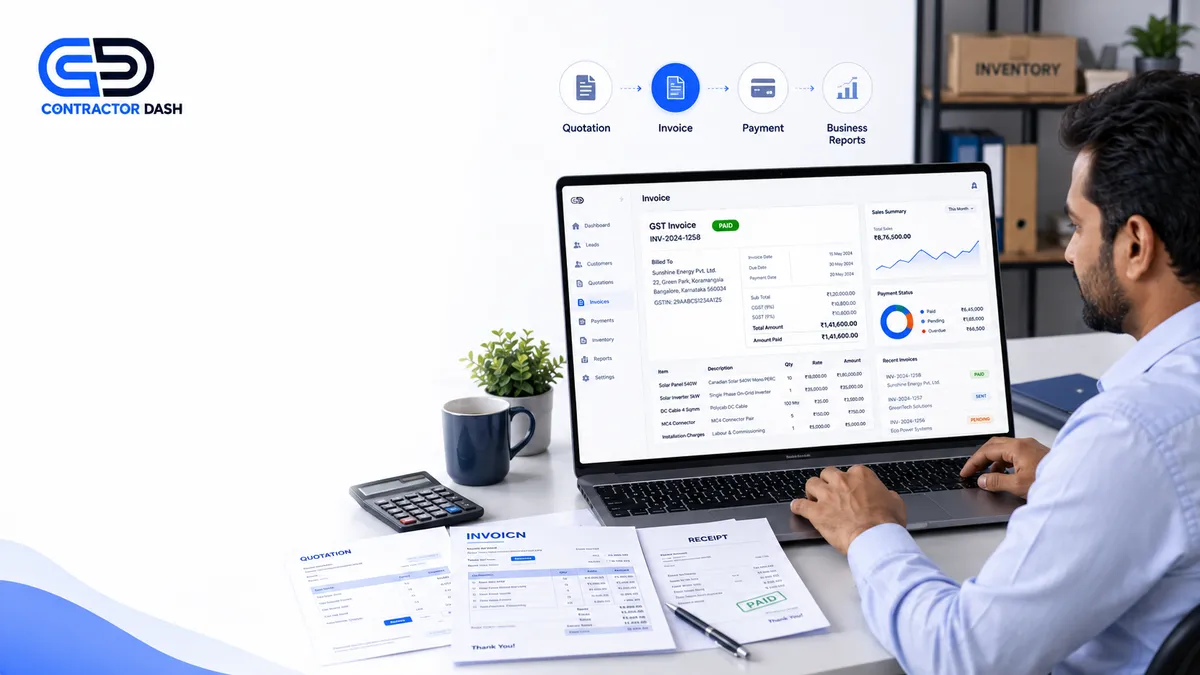
Instead of purchasing separate software for CRM, quotations, invoicing, inventory, payroll, attendance, project management, and reporting, ContractorDash brings these functions together in one integrated platform.
With a connected workflow, your team can:
- Capture leads
- Manage customers
- Create quotations
- Generate GST invoices
- Track inventory
- Manage projects and sites
- Record employee attendance
- Process payroll
- View real-time business reports
Rather than switching between multiple applications, everyone works from the same business data.
Read this for more information: https://www.contractordash.in/blog/best-quotation-software-for-small-businesses-india
Frequently Asked Questions
Is Excel good for managing a small business?
Excel works well for basic record-keeping, especially in the early stages. However, as operations grow, managing multiple spreadsheets can become time-consuming and increase the risk of errors.
What is the biggest limitation of Excel?
The biggest limitation is that it isn't designed to manage connected business workflows involving customers, quotations, inventory, projects, payroll, and reporting.
When should a business stop using Excel?
If your team spends significant time updating spreadsheets, creating manual reports, or switching between multiple files, it may be time to consider a more integrated system.
Can business management software replace Excel completely?
Many businesses continue using Excel for analysis, but day-to-day operations such as CRM, quotations, invoicing, inventory, and payroll are often easier to manage in dedicated business software.
Is an all-in-one business platform better than multiple apps?
For many growing businesses, using one integrated platform can reduce duplicate work, improve collaboration, and simplify operations compared with managing several disconnected applications.
Conclusion
Excel remains a valuable tool, but it has limits. As your business grows, relying on spreadsheets for every process can create unnecessary complexity and slow your team down.
Recognizing these warning signs early allows you to adopt systems that support growth rather than hold it back.
If your business is managing customers, quotations, inventory, invoices, projects, payroll, and reports, an integrated platform can help simplify operations and give you better visibility across your entire business.
Ready to Move Beyond Spreadsheets?
If you're looking to replace scattered spreadsheets and disconnected software with one integrated platform, ContractorDash helps you manage your complete business workflow—from lead management and CRM to quotations, invoicing, inventory, projects, payroll, attendance, and business reporting.
Book a free demo and see how your business can operate more efficiently with everything connected in one place.