10 Best Invoice Software for Small Businesses in India (2026 Comparison Guide)
Introduction
For a small business, creating an invoice may seem like a simple task.
Enter the customer name, add products or services, calculate GST, add the total and send the invoice.
But when your business starts growing, invoicing becomes much more than creating a PDF.
You may have dozens of customers, hundreds of invoices, recurring customers, pending payments, quotations, inventory, credit sales and multiple employees handling different parts of the process.
At that point, managing invoices through Excel, Word documents or basic invoice generators can become difficult.
You need to know:
- Which invoices have been paid?
- Which customers have outstanding amounts?
- Which quotation was converted into an order?
- How much did you sell this month?
- Which products were sold?
- What is your GST amount?
- Which invoices are overdue?
- How much revenue is coming from recurring customers?
This is where invoice and billing software becomes useful.
In this guide, we'll look at some of the best invoice software options for small businesses in India and, more importantly, explain what you should actually look for before choosing one.
What Is Invoice Software?
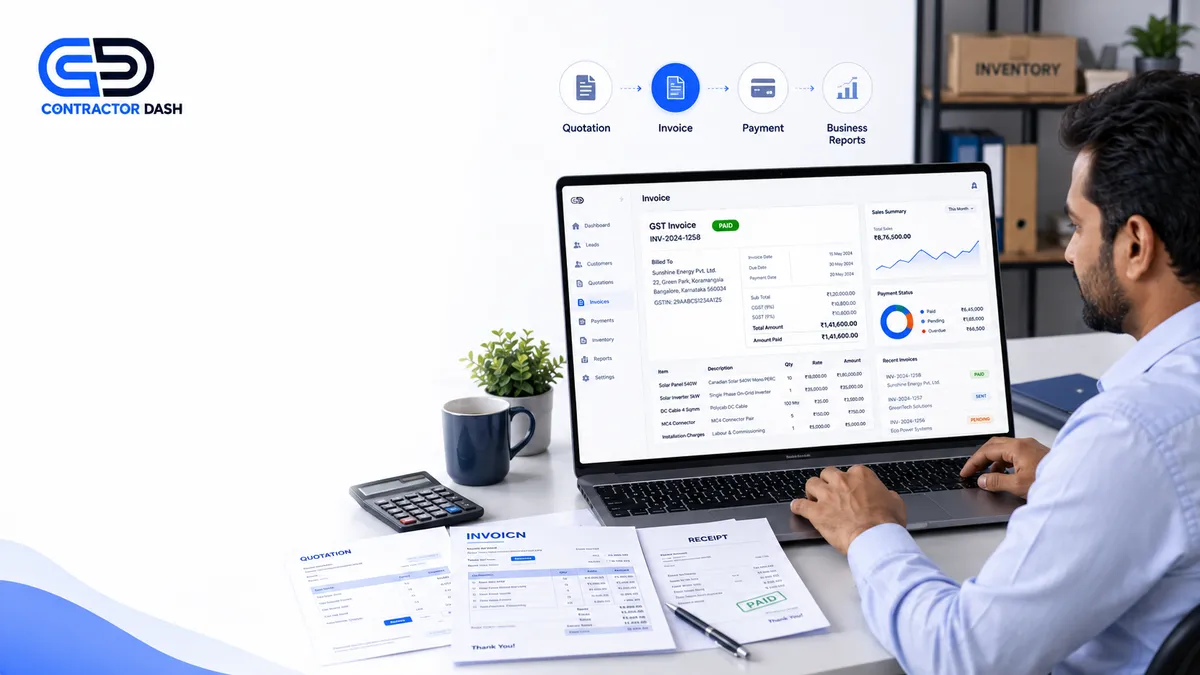
Invoice software helps businesses create, send, manage and track invoices digitally.
Depending on the software, it can also support:
- GST invoices
- Sales invoices
- Proforma invoices
- Recurring invoices
- Quotations
- Customer management
- Payment tracking
- Inventory
- Purchase management
- Reports
Instead of creating every invoice manually, businesses can maintain customer and product information and generate invoices much faster.
Why Small Businesses Need Invoice Software
A business can start with Excel or Word, but manual invoicing becomes harder as sales increase.
Manual invoicing can lead to:
- Incorrect calculations
- Duplicate invoice numbers
- Missing customer information
- GST calculation mistakes
- Delayed invoices
- Difficulty tracking outstanding payments
- Time-consuming reports
Invoice software can automate many of these repetitive tasks.
What Should You Look for in Invoice Software?
Not every invoice software is designed for the same type of business.
Before choosing one, look for these important capabilities.
1. GST-Ready Invoicing
For businesses registered under GST, the software should support relevant GST invoice fields and calculations.
2. Multiple Invoice Types
Depending on your business, you may need:
- Sales invoices
- Tax invoices
- Proforma invoices
- Recurring invoices
- Credit notes
- Debit notes
Make sure the software supports the documents your workflow actually requires.
3. Customer Management
Your invoice software should ideally maintain customer information so you don't need to enter the same details repeatedly.
4. Product and Service Management
If you sell multiple products or services, maintaining a product catalogue can make invoicing faster.
5. Payment Tracking
You should be able to see:
- Paid invoices
- Unpaid invoices
- Partially paid invoices
- Overdue invoices
This becomes particularly important when you sell on credit.
6. Quotation-to-Invoice Workflow
A strong business workflow should look like:
Lead → Customer → Quotation → Approval → Invoice → Payment
If you have to manually recreate an invoice after a quotation is approved, unnecessary work is created.
7. Inventory Integration
For product-based businesses, sales and inventory are closely connected.
When a sale happens, stock information may also need to be updated.
10 Best Invoice Software for Small Businesses in India
There are many invoicing and accounting tools available in India. The right choice depends on the size of your business, industry and workflow.
1. ContractorDash
Best for: Small and growing businesses that want invoicing connected with their complete business workflow.
ContractorDash is not limited to invoice generation.
It combines invoicing with:
- CRM
- Lead capture
- Customer management
- Letterheads
- Quotations
- Invoices
- Inventory
- Stock management
- Project management
- Site management
- Material management
- Employee management
- Worker management
- Attendance
- Payroll
- Vendor management
- Party and subcontractor management
- Business reports
- POS
This makes it particularly useful for businesses that don't want to purchase separate software for every department.
Example Workflow
A lead comes into the system.
↓
The salesperson manages the customer.
↓
A quotation is created.
↓
The customer approves it.
↓
An invoice is generated.
↓
Inventory/material information is updated.
↓
Payment is tracked.
↓
Management can see the results in reports.
This connected workflow is the main difference between a simple invoice generator and a broader business management platform.
2. Zoho Invoice
Zoho Invoice is designed primarily for invoicing and billing workflows.
It can be useful for freelancers, consultants and small service businesses that mainly need professional invoices and payment-related functionality.
Best for: Service businesses and freelancers looking for dedicated invoicing tools.
3. Vyapar
Vyapar is widely used by small businesses for billing, invoicing, inventory and GST-related business processes.
Best for: Small retailers, traders and local businesses.
4. TallyPrime
TallyPrime is widely used for accounting and financial management and includes invoicing and GST-related capabilities.
Best for: Businesses where accounting and financial management are major requirements.
5. BUSY
BUSY provides accounting, GST, billing and inventory-related functionality for businesses.
Best for: SMEs and businesses requiring accounting-oriented business management.
Invoice Software Comparison
| Feature | ContractorDash | Zoho Invoice | Vyapar | TallyPrime | BUSY |
|---|---|---|---|---|---|
| GST Invoicing | ✅ | ✅ | ✅ | ✅ | ✅ |
| Sales Invoice | ✅ | ✅ | ✅ | ✅ | ✅ |
| Recurring Invoice | ✅ | ✅ | Varies | Varies | Varies |
| Quotation | ✅ | ✅ | ✅ | ✅ | ✅ |
| CRM | ✅ | Limited | Limited | Limited | Limited |
| Lead Management | ✅ | Limited | ❌ | ❌ | ❌ |
| Inventory | ✅ | Limited | ✅ | ✅ | ✅ |
| Project Management | ✅ | ❌ | ❌ | Limited | Limited |
| Payroll | ✅ | ❌ | Limited | Limited | Limited |
| Employee Management | ✅ | ❌ | Limited | Limited | Limited |
| Vendor Management | ✅ | Limited | Limited | ✅ | ✅ |
| POS | ✅ | ❌ | ✅ | Limited | Limited |
| Business Reports | ✅ | ✅ | ✅ | ✅ | ✅ |
Feature availability can vary by plan and product configuration, so businesses should verify current plan-specific features before purchasing.
How to Choose the Right Invoice Software
The cheapest invoice software isn't always the best choice.
Think about your business two or three years from now.
If you only need to create invoices, a simple billing tool may be enough.
But if you expect to manage:
- More customers
- More employees
- More products
- More inventory
- More projects
- More salespeople
- More vendors
then you may eventually need several different systems.
That's why an integrated business platform can be worth considering from the beginning.
Invoice Software vs All-in-One Business Software
There is an important difference.
Invoice Software
Primarily focuses on:
Create → Send → Track Invoice
Integrated Business Management Software
Can connect:
Lead → CRM → Quotation → Invoice → Inventory → Project → Employee → Vendor → Payment → Reports
For businesses with simple invoicing requirements, dedicated invoice software can work perfectly well.
For businesses managing multiple departments, an integrated platform can reduce the need for multiple disconnected tools.
Why Multiple Software Can Become a Problem
Imagine a growing business using:
- CRM for leads
- Quotation software
- Invoice software
- Inventory software
- Payroll software
- Attendance software
- Project management software
Each tool may be good individually.
But now your team has:
7 logins + 7 databases + multiple subscriptions + multiple workflows.
Customer information may need to be entered repeatedly.
Sales may not know the latest inventory status.
Accounts may not immediately know which quotation was approved.
Management may need to collect data from several systems to prepare reports.
The problem isn't the software itself.
The problem is disconnected software.
One Connected Workflow Can Be Simpler
A growing business can benefit from a connected process:
Step 1: Capture Lead
The enquiry enters your CRM.
Step 2: Manage Customer
Customer information is stored centrally.
Step 3: Create Quotation
Sales prepares a professional quotation.
Step 4: Get Approval
Quotation status is updated.
Step 5: Generate Invoice
Approved quotation information can flow into invoicing.
Step 6: Manage Inventory
Products/materials can be tracked.
Step 7: Track Payment
Outstanding amounts can be monitored.
Step 8: View Reports
Management can review sales, invoices, inventory and profitability.
This is where the concept of complete business workflow management becomes more valuable than simply having an invoice generator.
Who Should Use Invoice Software?
Almost every business that regularly sells products or services can benefit.
For example:
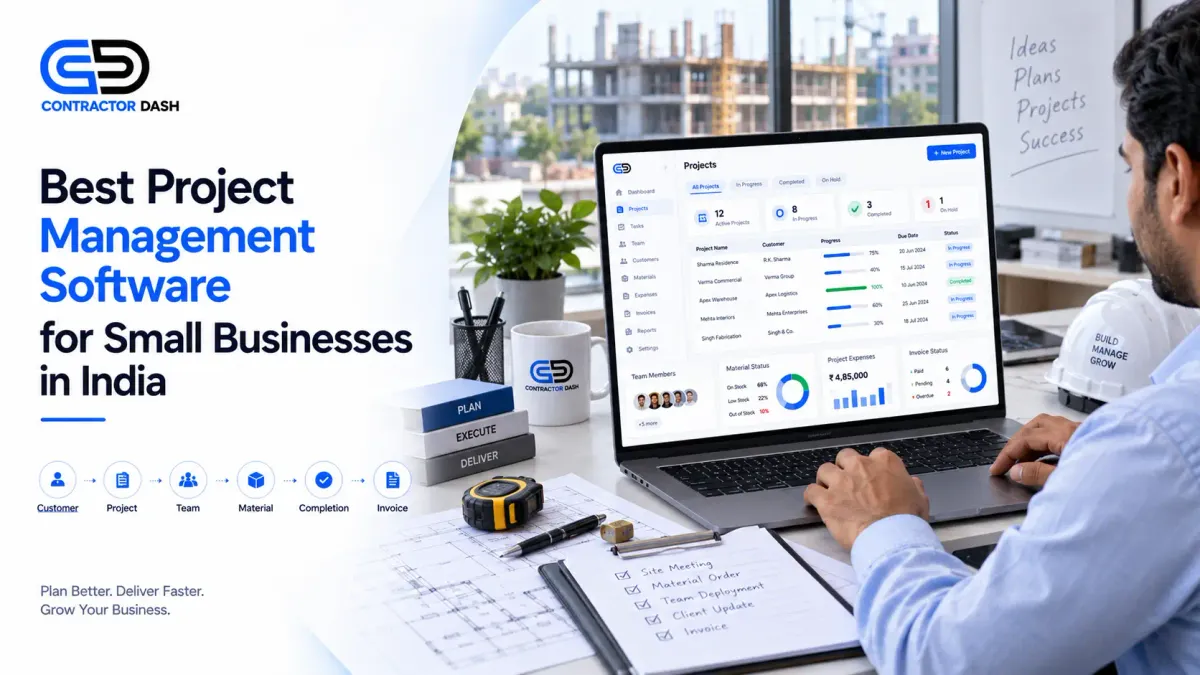
Construction & Contractors
Quotations → Projects → Materials → Invoices → Payments
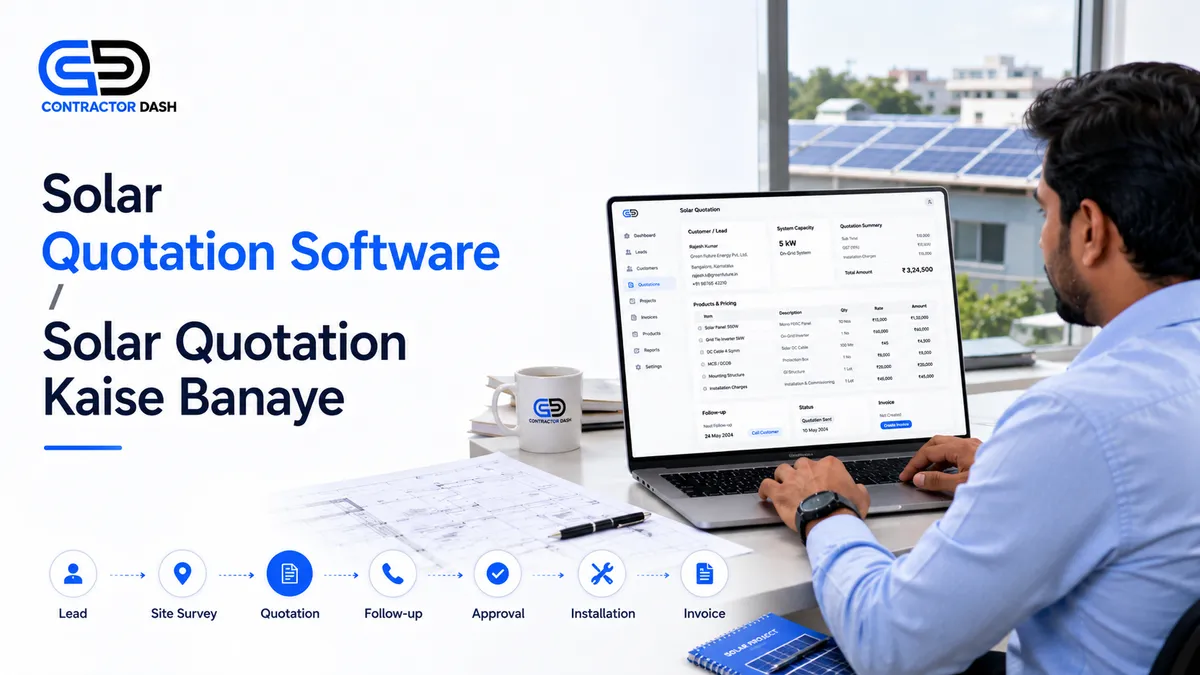
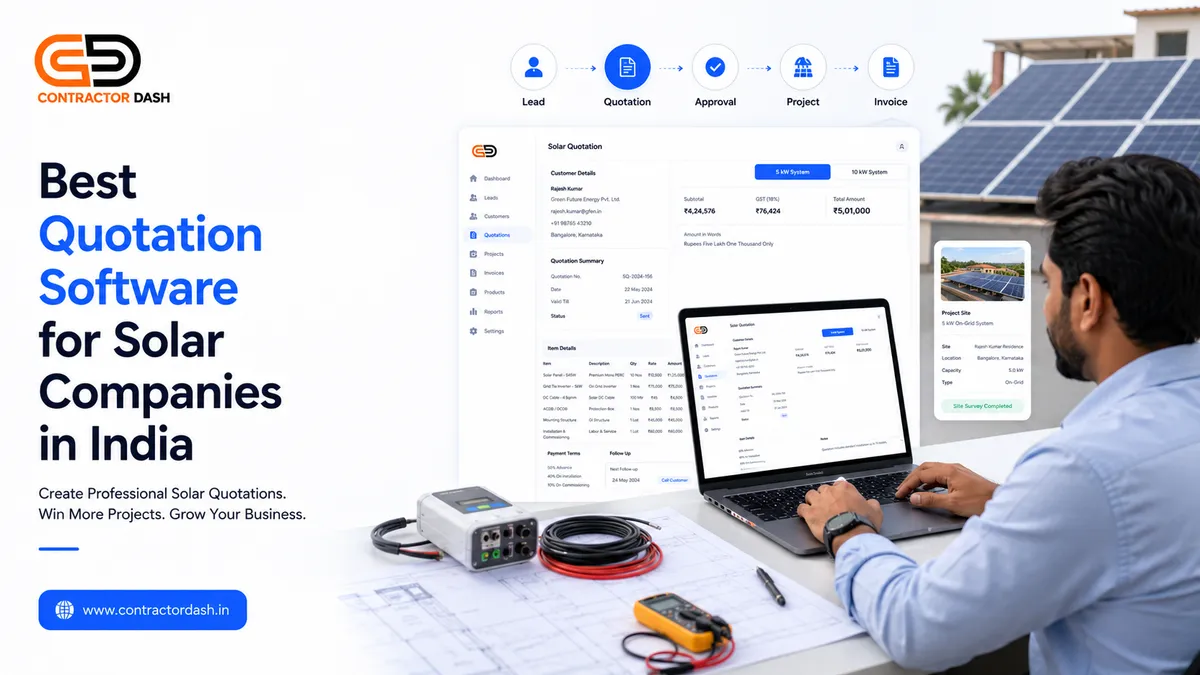
Solar Companies
Leads → Solar Quotation → Installation → Materials → Invoice
Retail Businesses
POS → Sales → Inventory → Invoice → Customer
Wholesalers & Distributors
Customers → Sales → Inventory → Invoice → Outstanding
Manufacturers
Quotation → Order → Materials → Inventory → Invoice
Service Businesses
Lead → Quotation → Project → Invoice → Recurring Billing
General Small Businesses
Customers → Quotation → Invoice → Payment → Reports
Frequently Asked Questions
What is the best invoice software for small businesses in India?
The right software depends on your workflow. A business that only needs invoicing may prefer a dedicated invoicing application, while a growing business that also needs CRM, quotations, inventory and projects may benefit from an integrated business management platform.
What is GST invoice software?
GST invoice software helps businesses create invoices with relevant GST information and calculations. Businesses should ensure their invoices meet applicable GST requirements.
Can I convert a quotation into an invoice?
Many modern business platforms support quotation-to-invoice workflows. This reduces duplicate data entry after a customer approves a quotation.
Can invoice software manage inventory?
Some invoicing solutions include inventory features, while others require a separate inventory system. Product-based businesses should check this before choosing software.
What is recurring invoice software?
Recurring invoicing allows businesses to automatically or systematically generate invoices for customers who are billed on a recurring schedule.
This can be useful for subscriptions, maintenance contracts, retainers and recurring services.
Is invoice software useful for a small proprietor?
Yes. A proprietor can benefit from professional invoices, customer records, payment tracking and reports without maintaining multiple spreadsheets.
Conclusion
Invoice generation is one of the most important daily processes for a business, but it shouldn't exist in isolation.
As your business grows, invoicing becomes connected with customers, quotations, inventory, projects, payments and reporting.
That's why the best solution isn't necessarily the software with the most invoice templates.
It's the software that fits the way your business actually operates.
For a simple business, a dedicated invoicing tool may be enough.
For a growing business managing customers, quotations, inventory, employees, projects, vendors and payments, an integrated business management platform can simplify the entire workflow.
Manage Your Complete Business, Not Just Your Invoices
ContractorDash helps Indian businesses manage their complete workflow from one platform.
CRM + Lead Capture + Quotations + Invoices + Inventory + Projects + Material Management + Payroll + Employees + Workers + Vendors + POS + Reports
Instead of purchasing separate software for every department, you can bring connected business operations together in one system.
Book a free ContractorDash demo and see how your business can move from disconnected tools to one complete workflow.