How Small Retailers in India Can Manage Inventory Without Stockouts
Walk into any small retail shop in India during a festival season and you'll hear some version of the same complaint: "Wahi item khatam ho gaya jo sabse zyada bik raha tha." A stockout on your best-selling product doesn't just cost you that one sale it sends the customer straight to a competitor, and often, they don't come back.
Yet most small retailers still manage inventory the way it was done 20 years ago: a notebook, memory, and a once-a-month "let's see what's missing" walk around the shop. This guide breaks down exactly why stockouts happen and the practical, low-cost ways to prevent them whether you run a kirana store, a boutique, an electronics shop, or a pharmacy.
Why Stockouts Happen (It's Rarely Just "Bad Luck")
Stockouts feel random in the moment, but they almost always trace back to one of these root causes:
- No visibility into real-time stock levels you only find out an item is finished when a customer asks for it
- No reorder trigger point orders get placed reactively, not proactively
- Manual counting errors physical stock and register/notebook numbers drift apart over time
- Supplier lead time not factored in you order today assuming stock arrives tomorrow, but it actually takes a week
- No seasonal or demand pattern tracking festival, wedding season, or monsoon spikes catch you off guard every year
The Real Cost of a Stockout
It's easy to underestimate this because the loss is invisible no cancelled order shows up in your books. But the actual cost includes:
- The lost sale itself
- The customer's lifetime value if they switch permanently to a competitor
- Negative word-of-mouth ("us dukaan mein kabhi stock nahi milta")
- Emergency restocking at a higher price when you scramble last-minute
Retail studies consistently show that stockouts are one of the top 3 reasons customers switch shops permanently right alongside price and service quality.
Step 1: Know What You Actually Have In Real Time
You cannot manage what you cannot see. The foundation of stockout prevention is having an accurate, always-updated count of every item in your shop not a count from last week's manual stock-take.
Manual vs Digital Tracking
| Aspect | Manual (Notebook/Memory) | Digital Inventory System |
|---|---|---|
| Accuracy | Drifts within days | Updates with every sale/purchase |
| Time to check stock | Manual counting, minutes to hours | Instant lookup |
| Reorder alerts | None- reactive | Automatic low-stock alerts |
| Multi-location tracking | Very difficult | Centralized view across branches |
Every sale you make and every purchase order you receive should update your stock count automatically. This single habit change eliminates the biggest cause of stockouts: simply not knowing what's actually on your shelf.
Step 2: Set Reorder Points for Every Product
A reorder point is the stock level at which you place a new order — before you run out, not after. It's calculated using two numbers:
- Average daily sales for that product
- Supplier lead time (how many days it takes for a new order to arrive)
A simple formula: Reorder Point = (Average Daily Sales × Lead Time in Days) + Safety Stock
For example, if you sell 10 units of an item daily, your supplier takes 4 days to deliver, and you want a 2-day safety buffer: Reorder Point = (10 × 4) + (10 × 2) = 60 units. Once stock drops to 60 units, you place a new order not when you're already down to 5.
Step 3: Track Fast-Moving vs Slow-Moving Items Separately
Not every product deserves the same attention. A simple ABC classification helps:
- A-items your top sellers, generate most of your revenue. Monitor closely, never let these stock out.
- B-items moderate movement. Review weekly.
- C-items slow movers. Review monthly, and consider whether to keep stocking them at all.
Most retailers make the mistake of spreading equal attention across all products, when 20% of items typically drive 80% of sales. Focus your stockout-prevention energy there first.
Step 4: Plan for Seasonal and Festival Demand Spikes
India's retail demand is heavily seasonal Diwali, wedding season, back-to-school, monsoon. If you're only looking at "average daily sales," you'll under-order right before your biggest sales weeks of the year.
Keep a simple year-over-year log: what sold out fastest last Diwali, last wedding season, last monsoon? Use that history to order 3-4 weeks ahead of the same period this year, not the week before.
Step 5: Reconcile Physical Stock Regularly
Even with a digital system, physical stock and recorded stock can drift due to damage, theft, or entry errors. A monthly physical count matched against your system catches these gaps before they become a stockout surprise on a best-seller.
How Retailers Use ContractorDash to Prevent Stockouts
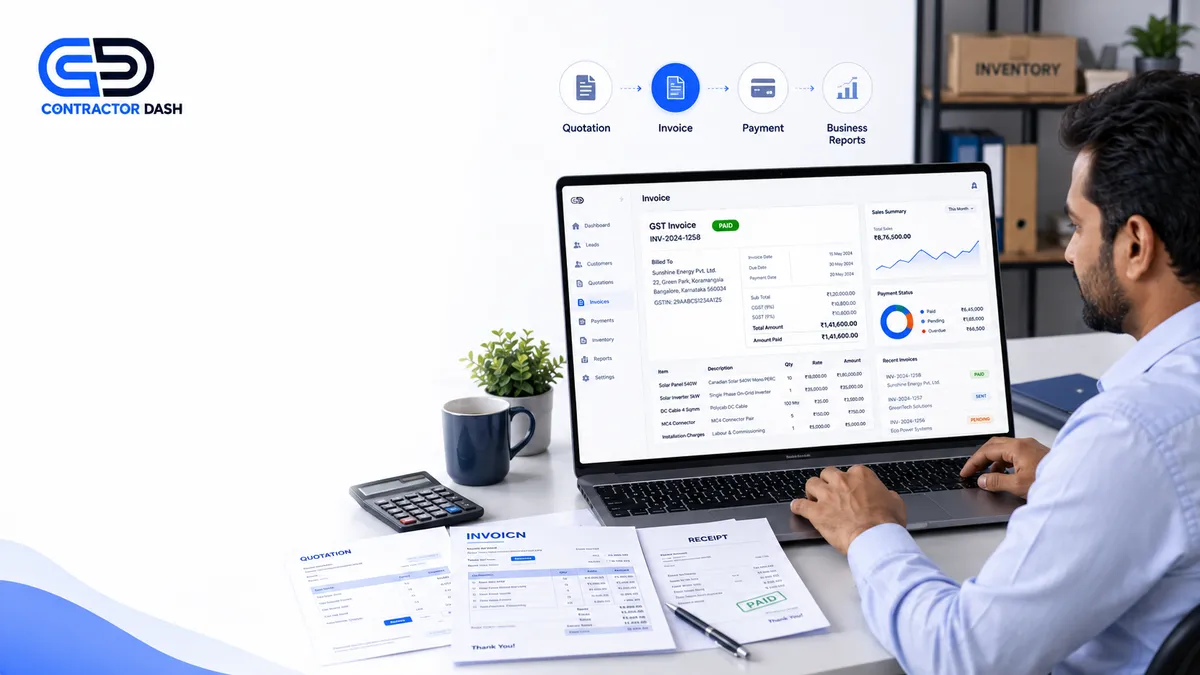
ContractorDash gives retail businesses a connected system so stock visibility isn't left to memory or notebooks:
- Every sale and purchase automatically updates your live inventory count
- Low-stock alerts notify you before you run out not after a customer asks
- Purchase orders can be raised directly from the inventory screen when stock hits your reorder point
- Multi-location businesses get a centralized view across all branches or godowns
- Sales reports show you which products are your true fast-movers, so you know exactly where to focus
Common Mistakes to Avoid
- Ordering based on gut feeling instead of actual sales data
- Treating all products equally instead of prioritizing your top sellers
- Ignoring supplier lead time when deciding when to reorder
- Skipping physical stock counts because "the system should be right"
- Not tracking seasonal patterns year over year
Final Thoughts
Stockouts aren't bad luck they're a visibility problem. Once you know exactly what you have, when to reorder, and which products actually matter most to your revenue, stockouts become rare rather than routine. The retailers who fix this earliest are usually the ones who scale from a single shop to multiple locations without their operations falling apart.
Want to see how automatic stock tracking and reorder alerts would work for your shop? Contact our team for a quick walkthrough, or explore ContractorDash directly.